1Password says attacker used employee GitHub account to steal customer data
Vault contents and the keys protecting them were not reached, but names, emails and account metadata for a subset of users were downloaded, the company said Wednesday.
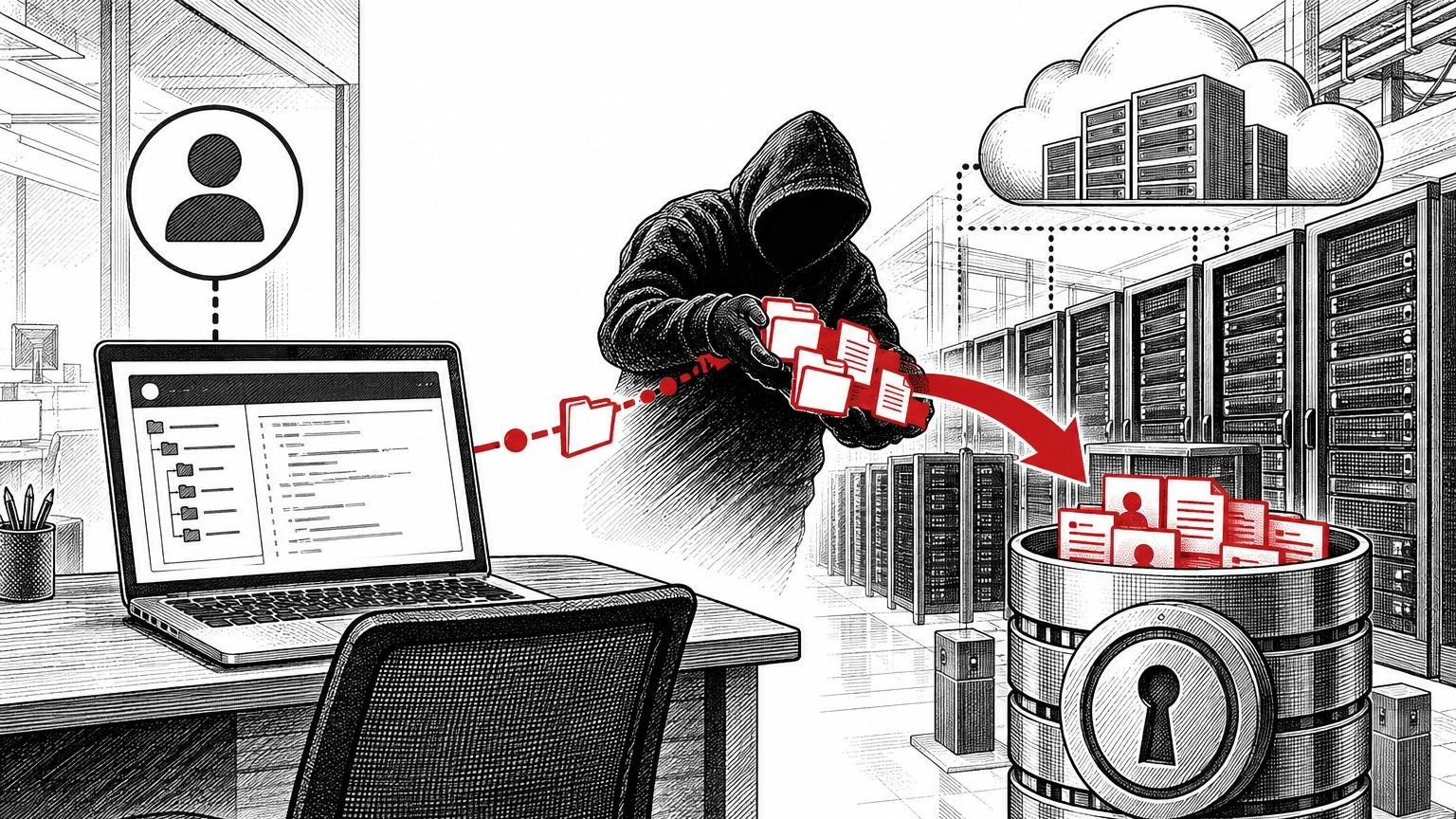
1Password said in its incident update Wednesday that an attacker hijacked an employee's GitHub account, inserted malicious code into backend services, and downloaded customer records for a subset of users. The company began investigating on November 19 after detecting signs that the account had been compromised.
The downloaded records included names, email addresses, account and user IDs, when accounts were created and last signed in, public keys, SRP parameters, internal version and file identifiers, and tokens embedded in some invitation, provisioning and recovery emails, according to the update. 1Password said the public keys are public by design and the SRP settings cannot get into an account.
Customer vault contents, the keys protecting vaults, account recovery keys, and the 1Password apps and browser extensions were not affected, the company said. "At no time were customer vault contents accessed by, or available to, the attacker," the update states. 1Password does not store account passwords or Secret Keys.
1Password said the attacker also took source code from private repositories and got into its CI/CD system. The source code contains no user secrets, but CI/CD includes infrastructure-related secrets, so the company rotated or revoked credentials that may have been exposed. It said there was no impact on services, availability or product security.
Tokens included in invitation, provisioning and recovery emails cannot open an account by themselves, 1Password said. A token works only with an SSO sign-in or a code delivered to the registered email address. A small number of users who were partway through setup or recovery were notified directly. As a precaution, the company replaced the six-digit codes with ten-character alphanumeric codes, making brute-force guessing practically impossible. 1Password said it found no internal evidence of account takeovers using any exposed provisioning token.
The company disabled the GitHub account, revoked the stolen token, removed the access the attacker created, and engaged outside cybersecurity experts to validate the containment and remediation. BleepingComputer reported that clean versions of affected services were restored, that it had contacted 1Password with questions but had not yet received a response, and that the stolen data gives attackers a ready roster of 1Password users to target with phishing. 1Password also tightened GitHub, CI/CD and endpoint controls and put new detections in place.
The update does not explain how the employee's GitHub account was compromised, how code pushed from that account reached backend services, how many customers were in the affected subset, how long the attacker held access, or which infrastructure secrets sat in the CI/CD system. Startup Fortune highlighted several of those unanswered questions. SQ Magazine specifically asked which infrastructure secrets sat in the CI/CD system.
1Password said customers do not need to change account passwords or Secret Keys, but should be wary of unexpected emails, texts or calls mentioning 1Password, invitations or account recovery. 1Password said it will never ask for an account password or Secret Key, and those details should be entered only in the official app or on the official website. Suspicious messages can go to support@1password.com. Startup Fortune advised business administrators to warn staff before the first fake invite lands, review pending invitations and recovery requests for anything unexplained, and never read an emailed code to a caller.
Sources: 1password.com, BleepingComputer, Startup Fortune, SQ Magazine
Lena Vasquez covers vulnerabilities, breaches and identity for Five Nines. She writes from advisories, vendor bulletins and published reporting.
Corrections. Report an error to corrections@thefivenines.com. We list substantive corrections on the corrections page.